A journal you talk to.
You don't open it. You tell the AI you already use what today was — in the car, at the sink, at 11pm — and it files the entry, dates it, tags it, and hands it back to you when you ask what last spring was like.
$15 a month, and it isn't just this app — every Parsons product is on the same subscription. Cancel any time. Delete asks twice, and reading is free forever: a private journal is only worth keeping if it can't be lost by accident.
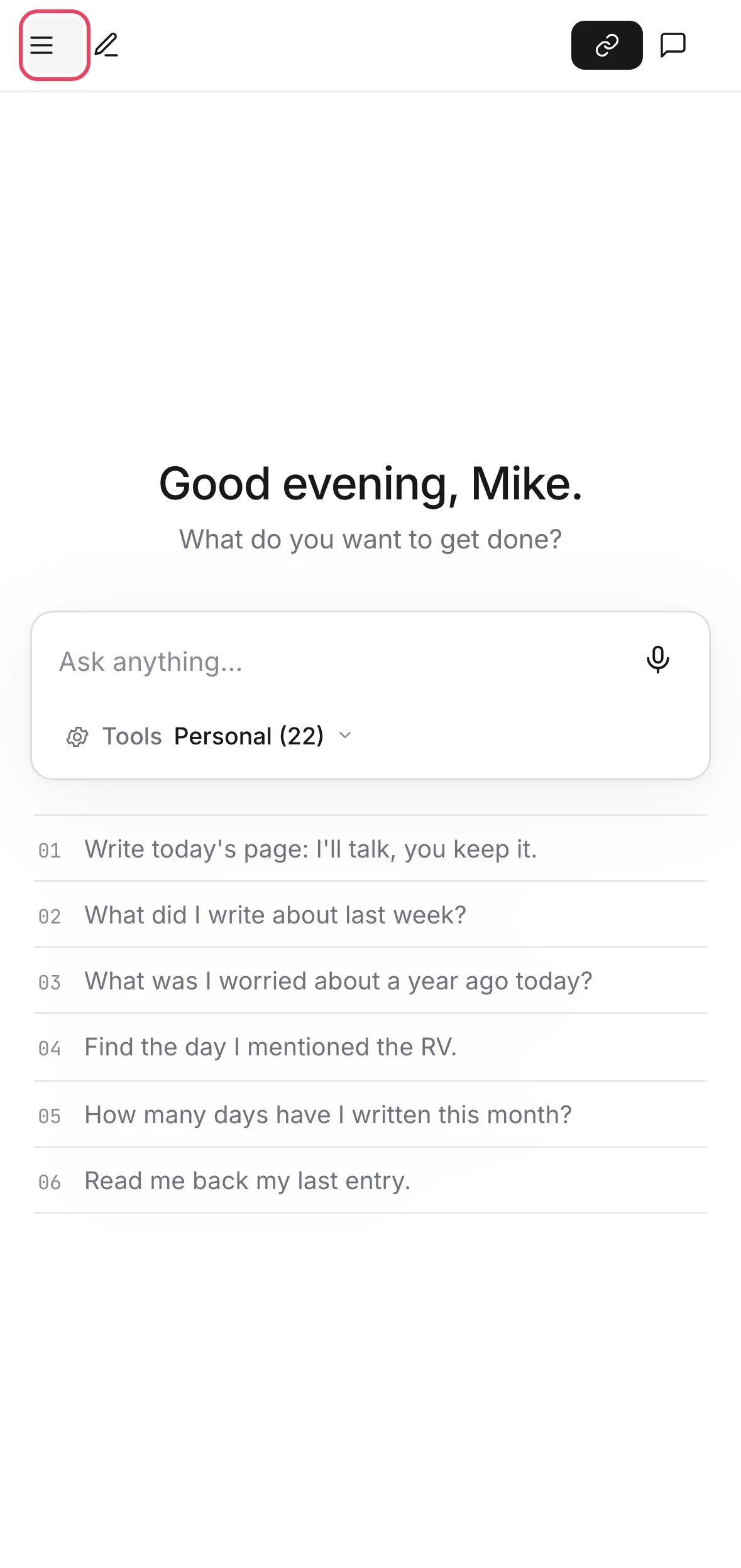
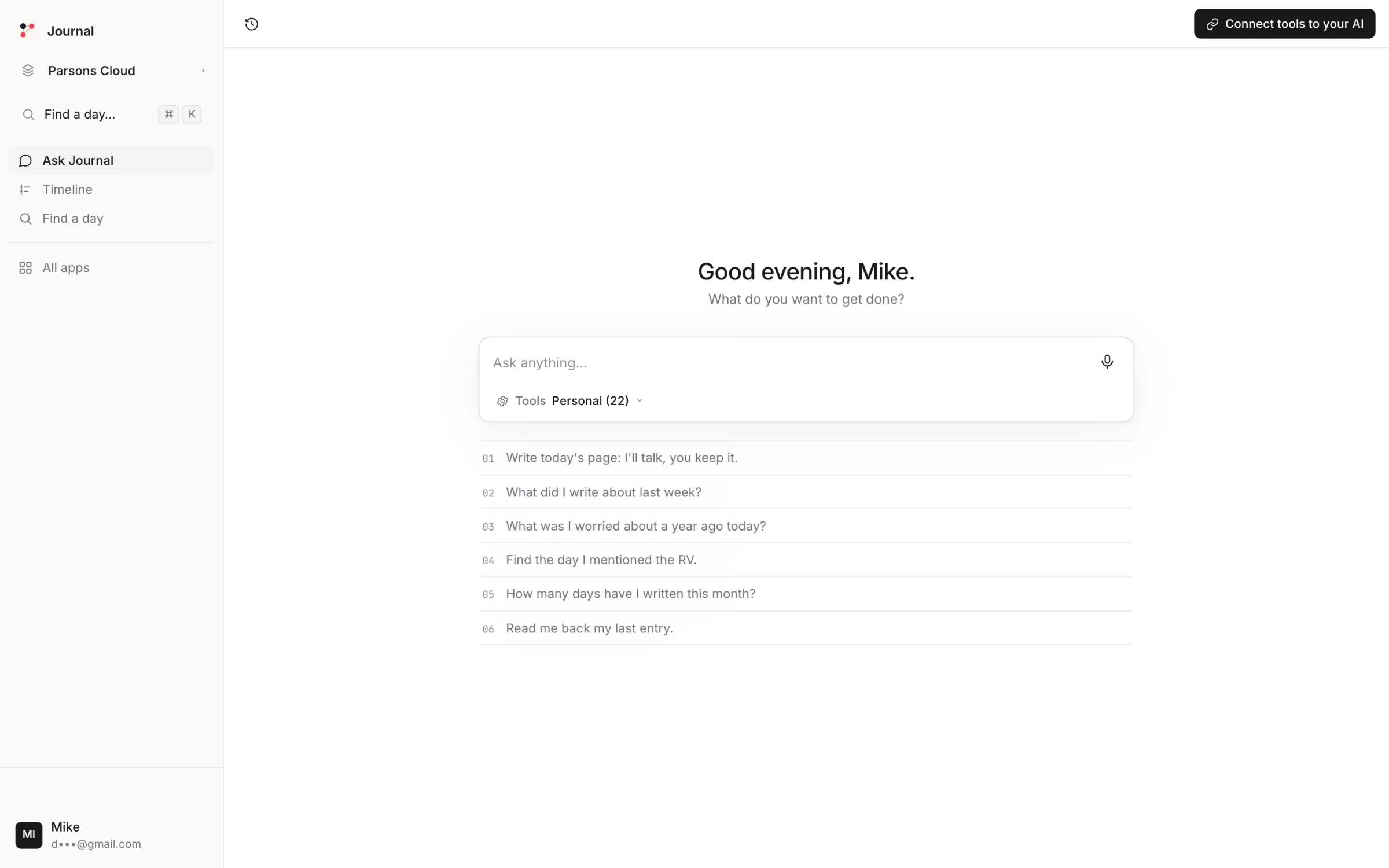
Say what today was. It's kept.
Say it.
A sentence or a page. Typed, dictated, or spoken to the console's own chat. No editor, no blank page.
Long day. The RV's water pump finally works. Dinner with Dana, felt like the first real week in months.Paste one link into your AI.
Your account comes with one private address. Paste it into Claude, ChatGPT or Cursor once, and Journal's tools are there. No AI of your own? The console has chat built in.
https://mcp-hub.parsons.ai/p/prof_••••••••/mcpAsk it what you wrote.
By date, by person, by feeling, by anything. It reads your own entries, not a summary of them.
When did I first mention the water pump?Let it reflect it back.
"What was September like?" — it reads the month and tells you, in your own words, what you kept noticing.
What kept coming up this month?A journal that files itself.
Entries from anywhere
From Claude, ChatGPT, Cursor, the console, or a text. No app to open. No blank page to face.
Tags it chooses, and you can change
People, places, moods, projects. Tagged on the way in, so "everything about Dana" is a question, not a search.
A timeline, if you want one
Days written, streaks, a month at a glance. Or never look, and just ask.
Find a day by what it felt like
Search by date, word, person or mood. It reads the entries; it doesn't need you to remember the date.
delete_entry#388 · without confirmrefused — read it firstdelete_entry#388 · confirm: truegoneDeleting makes you read it first
delete_entry refuses on the first call and shows you the entry. The second call has to confirm. Nothing vanishes on a misread.
Reading is free forever
Entries are counted — 2,000 a month included. Reads are metered for visibility and never billed. A journal you can't reread isn't one.
It keeps your words. It cannot lose them by accident.
- ×Delete an entry on the first askdelete_entry shows you what you're about to destroy and refuses until you confirm.
- ×Read another project's journalEach journal is scoped to its project. A shared work project's journal never sees the personal one.
- ×Read your entries to train anythingYour text is read by the tool you called, for the answer you asked. That's all.
- ✓Write, tag, amend and date entries from any client
- ✓Search, reflect, count, find a day
- ✓Export the whole journal, any time
There is no security slogan on this page and no badge we haven't earned. Everything in that list is a thing you can check; the full mechanism and every tool are on the details page.
Fifteen dollars a month — and it isn't just this app.
Is it worth it? Start where we look worst.
A journal app alone is cheaper than $15. Here's what the well-made ones publish.
If a journal is the only thing you'll open, buy one of those. Ours is $15 because the same subscription runs Money, Fitness, CRM and the rest — and because the AI you already talk to is the one writing in it. And there is no free tier because a free journal is one whose words are being paid for some other way.